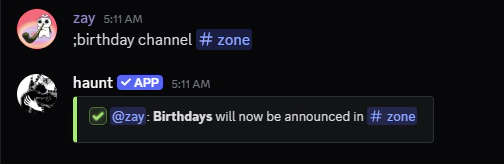
Setting your Birthday
You can start with the birthday set command.
You can set your birthday by following the examples below!
Before you set your birthday, Make sure to confirm it’s the correct date.
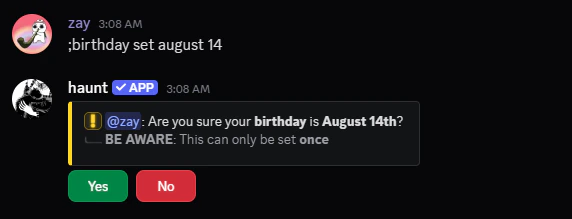
Viewing your Birthday
View you or another member’s birthday by using the birthday view command!
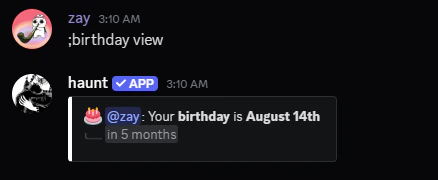
Viewing every member’s birthday
View every person’s birthday that’s in your server!
Configuring Haunt’s Birthday Settings
Learn how to setup Haunt’s birthday settings for celebrating your member’s birthday!
Start with the birthday enable command.
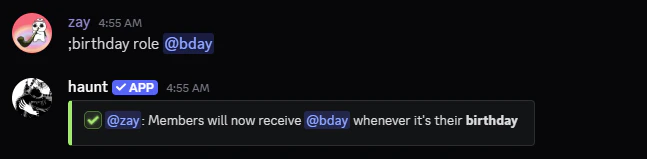
Setting a Birthday Role
Start with the birthday role command.
This role will be given to members when it’s their birthday!
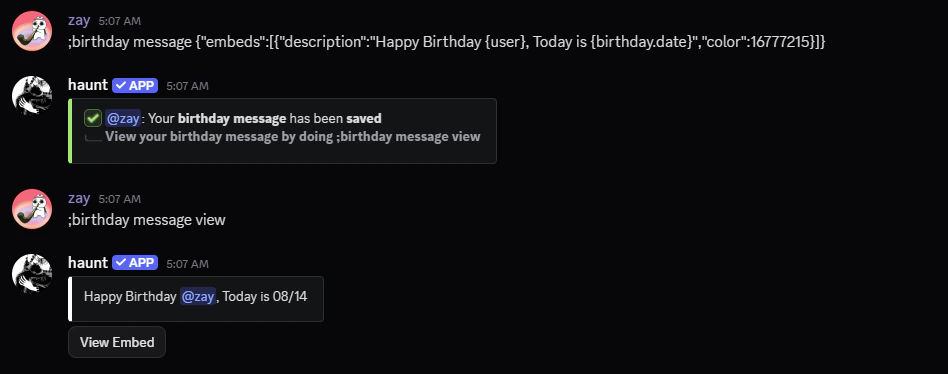
Setting a Birthday Message
Start with the birthday message command.
This will send a custom message when it’s a member’s birthday!
Setting a Birthday Channel
Start with the birthday channel command.
This sets the channel to send the birthday messages