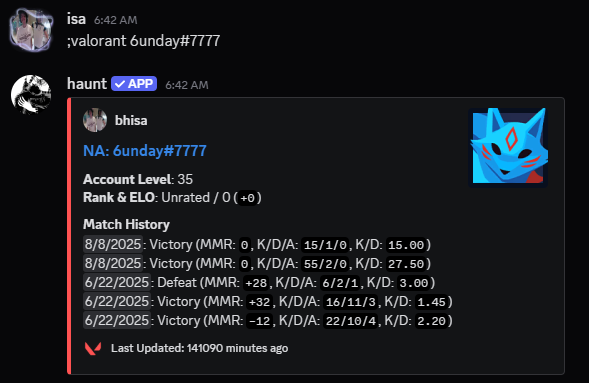
; by default.;prefix set [character] to change the prefix for your server.Authorizing your account
Get started by using the valorant login command.
If you don’t have a valorant account, Create one here.
Upon using the command you should see an embed with 2 buttons.
The button you want to start with is authenicate.
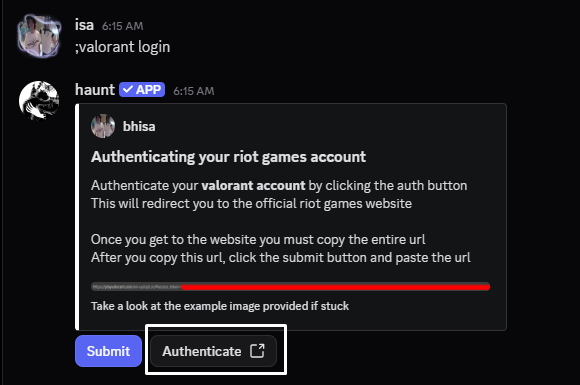
This will take you to the official riot games website.
If you’re not logged into the website, you will have to do that.

From here you will have to copy the ENTIRE url, Leaving any details out could prevent you from some of the commands.
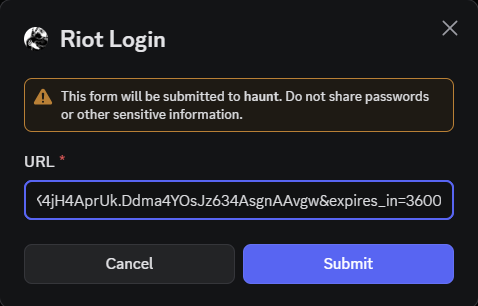
After copying the url needed, you can use the submit button.
Upon pressing the button will bring up this popup, You want to copy the url into there.
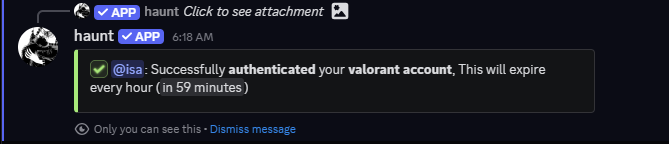
If everything comes out correct, You should see this message!
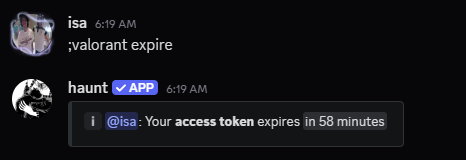
How can I check when my login will expire?
You can check when your account’s login session is about to expire with the valorant expire command!
What can I do now?
You can check out your daily shop with the valorant shop command!
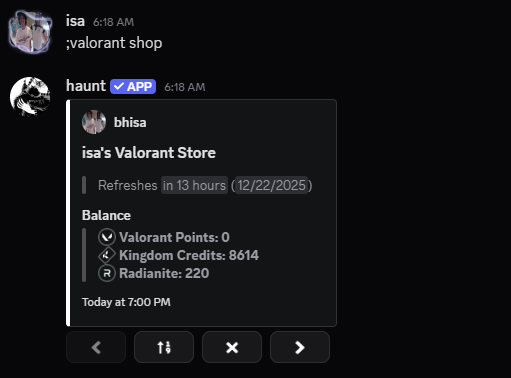
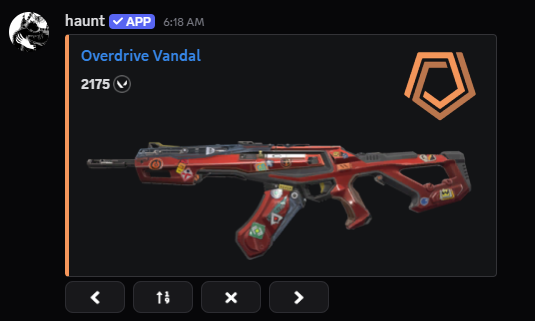
This will show what’s currently in the shop for the day as below.
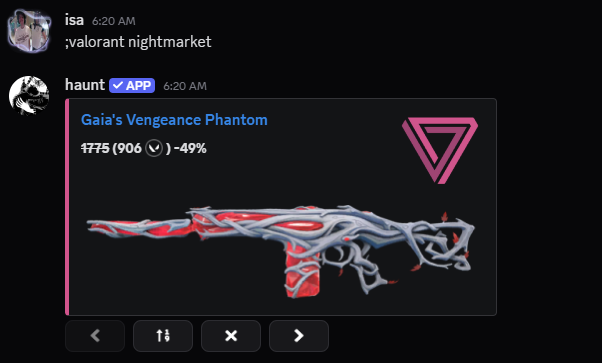
What about my nightmarket?
You can also check your nightmarket with the valorant nightmarket command!
Can I do anything without logging in?
Short Answer, Yes you can!
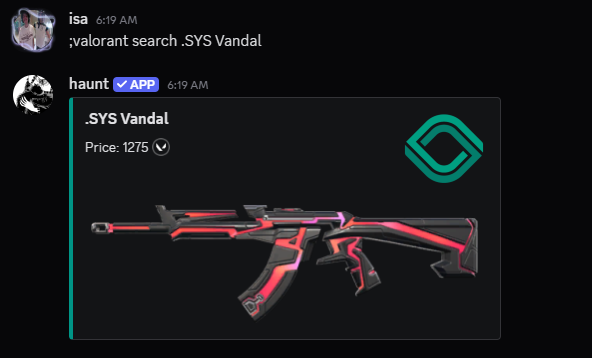
You have 2 commands you can use which are valorant search and just valorant
Valorant search looks up a cosmetic (.SYS Vandal for example) and just valorant looks up user stats from a player.
Search for a cosmetic
Search for a cosmetic
Search for a player's stats
Search for a player's stats