Create a Button Role
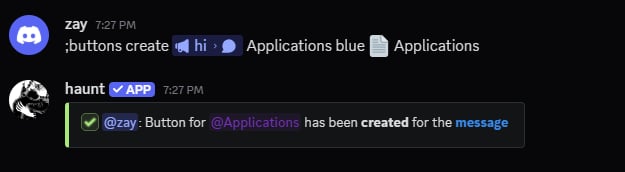
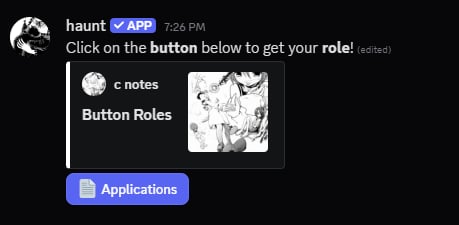
Start by using the buttons create command.
You can provide the id, url or reply to the message you want Haunt to use.
Delete a Button Role
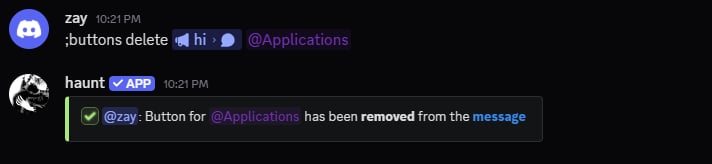
Delete a button role with the buttons delete command.
You can provide the button Id or the role that you used.
View every Button Role
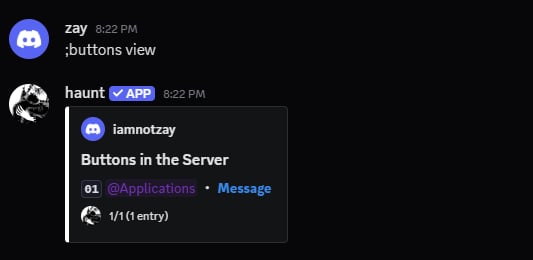
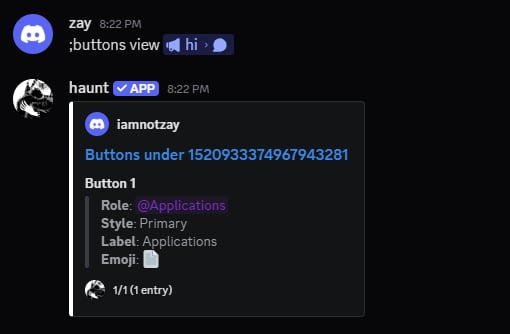
There are 2 variants of this command.
If you provide a message then you’ll see the buttons under that message.
Clear every Button Role
You can choose to clear every button role from a message or from the entire server.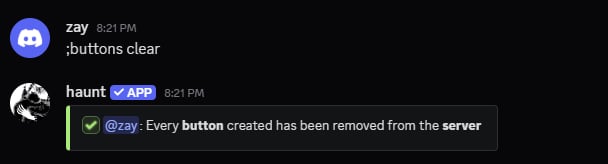
Update a Button Role
There are currently 5 subcommands for updating the features of a button role.
Below are the guides to update a button role in the server.
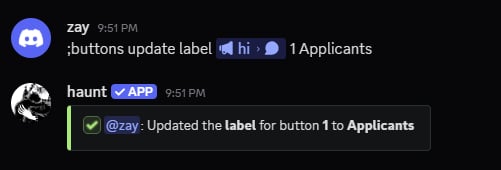
Update a Button Label
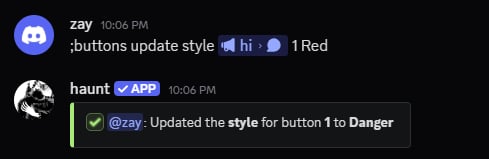
Update a Button Style
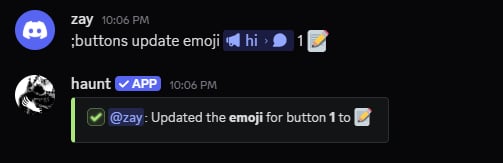
Update a Button emoji
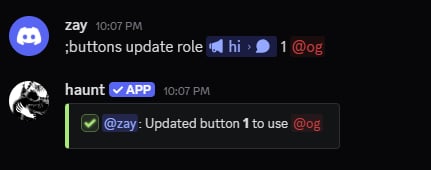
Update the role in a Button Role
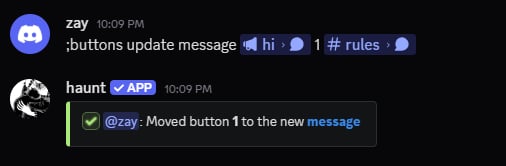
Move a Button Role to another Message